> For the complete documentation index, see [llms.txt](https://docs.probable.markets/llms.txt). Markdown versions of documentation pages are available by appending `.md` to page URLs; this page is available as [Markdown](https://docs.probable.markets/get-started/create-an-account.md).
# Create an Account
If you already have a crypto wallet like MetaMask (or Binance Wallet, etc.) you can directly connect it to the app. Probable supports most of the popular wallets.
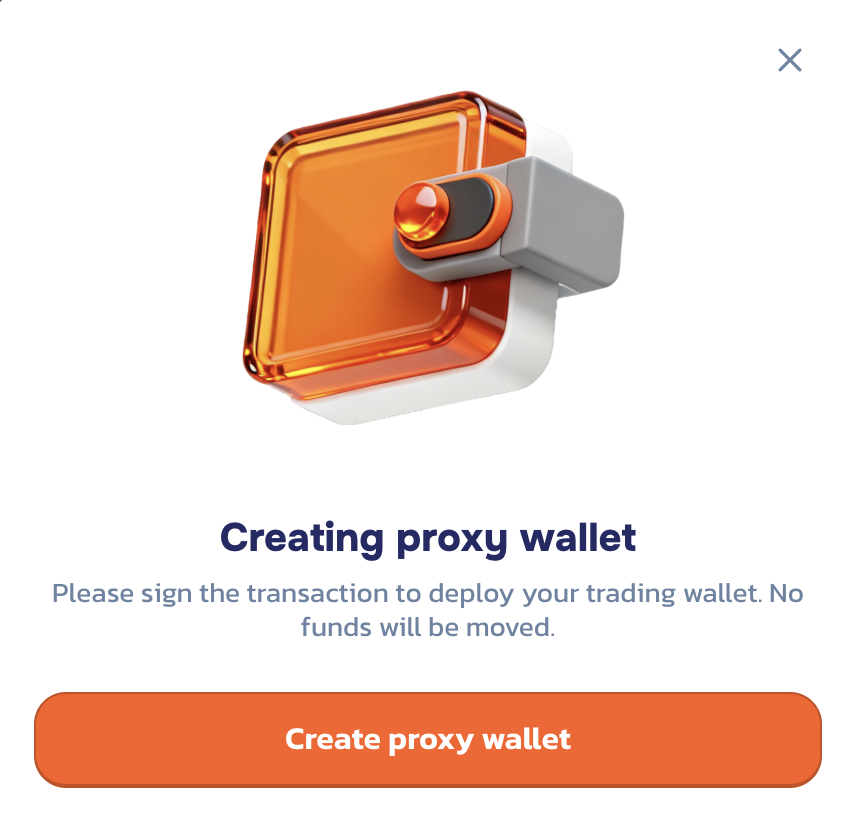
After you connect the wallet you will be prompted to create a proxy wallet when you click "Deposit". A proxy wallet is an in-app wallet that will be used for all interactions within the app.
{% hint style="success" %}
**The gas fees required to create a proxy wallet is sponsored by Probable to offer a better UX.**
{% endhint %}
{% hint style="warning" %}
**Please note the proxy wallet address won’t be same as your connected wallet.**
{% endhint %}
After your proxy wallet is created successfully, you will be prompted to deposit funds to begin predicting.